
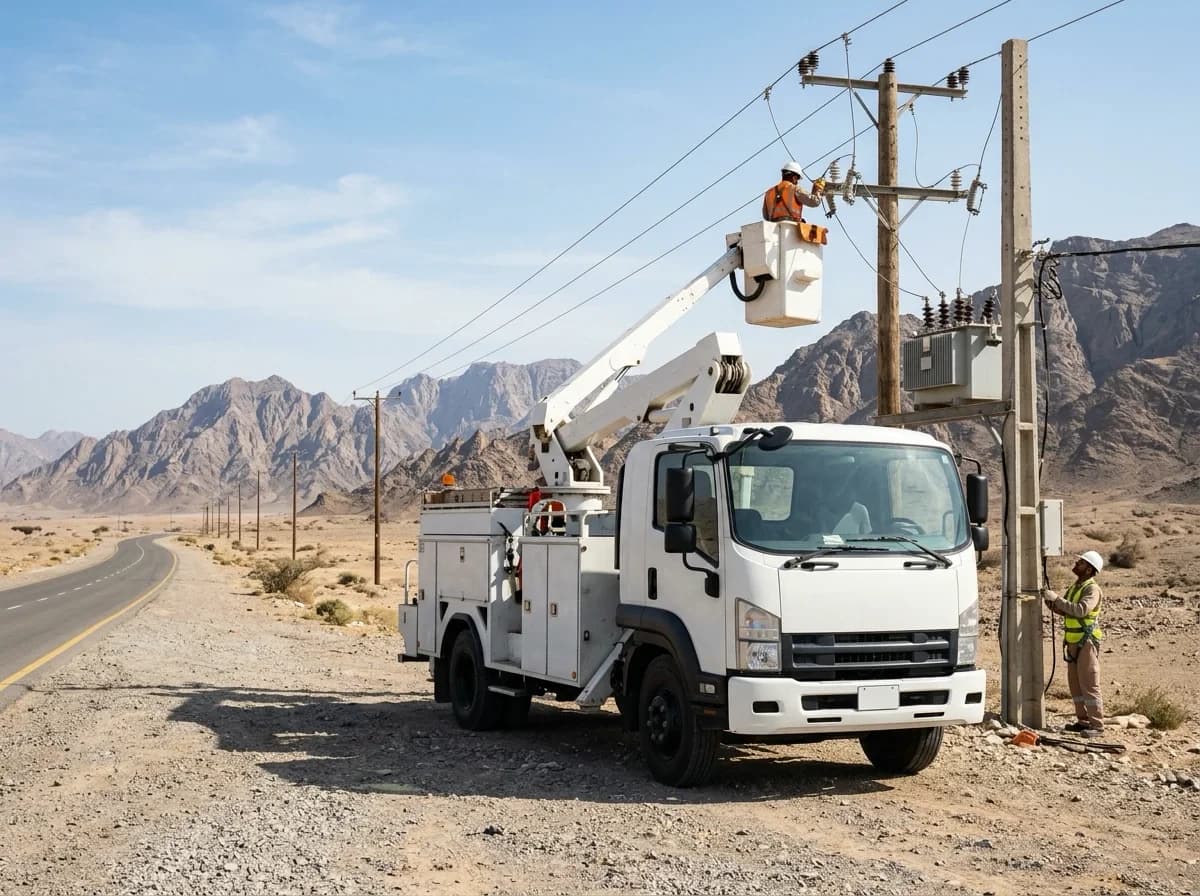
Utilities & Services
Crews everywhere.
One operational view.
Service vehicles work far apart, on their own schedules. iTrack brings their journeys, checks and evidence back into a single picture the operation can act on.
The operating context
Dispersed work, central accountability
No two crews are together
Vehicles attend separate jobs across a network, rarely passing a supervisor.
Attendance needs evidence
What was done, where and when has to be demonstrable afterwards.
Response matters
A vehicle that cannot go out is a job that does not get attended.
What iTrack does here
Distributed crews, one picture
Three of the areas that matter most to a service operation.
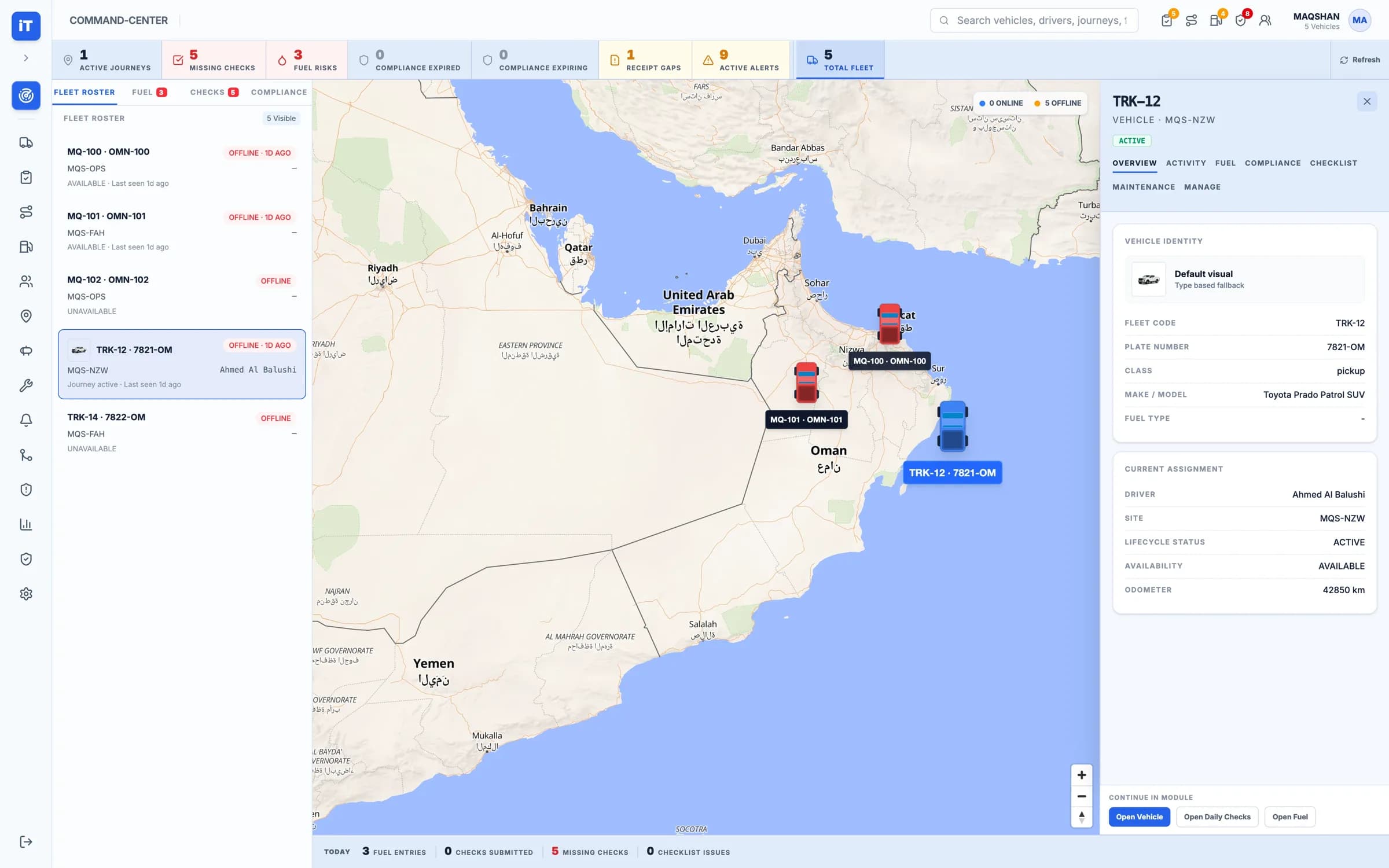
Where every vehicle is, in one view.
The fleet roster and the map sit together, with the day's open exceptions counted above them.
- Fleet roster with availability and last seen
- Vehicles positioned on the map
- Missing checks and open alerts counted
Visibility. Where every vehicle is, in one view.
Where it starts
The parts of the platform a service operation leans on
See it working
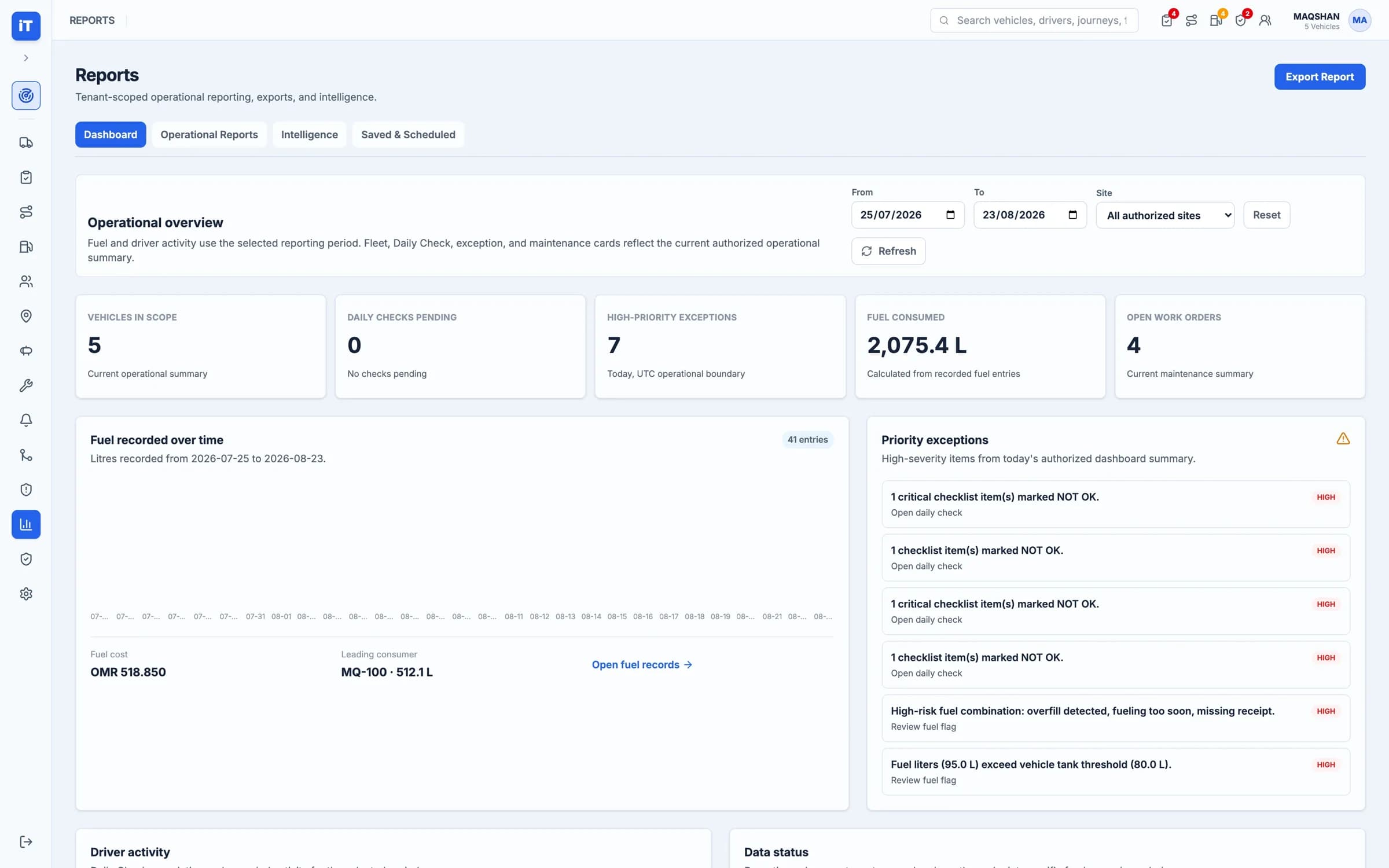
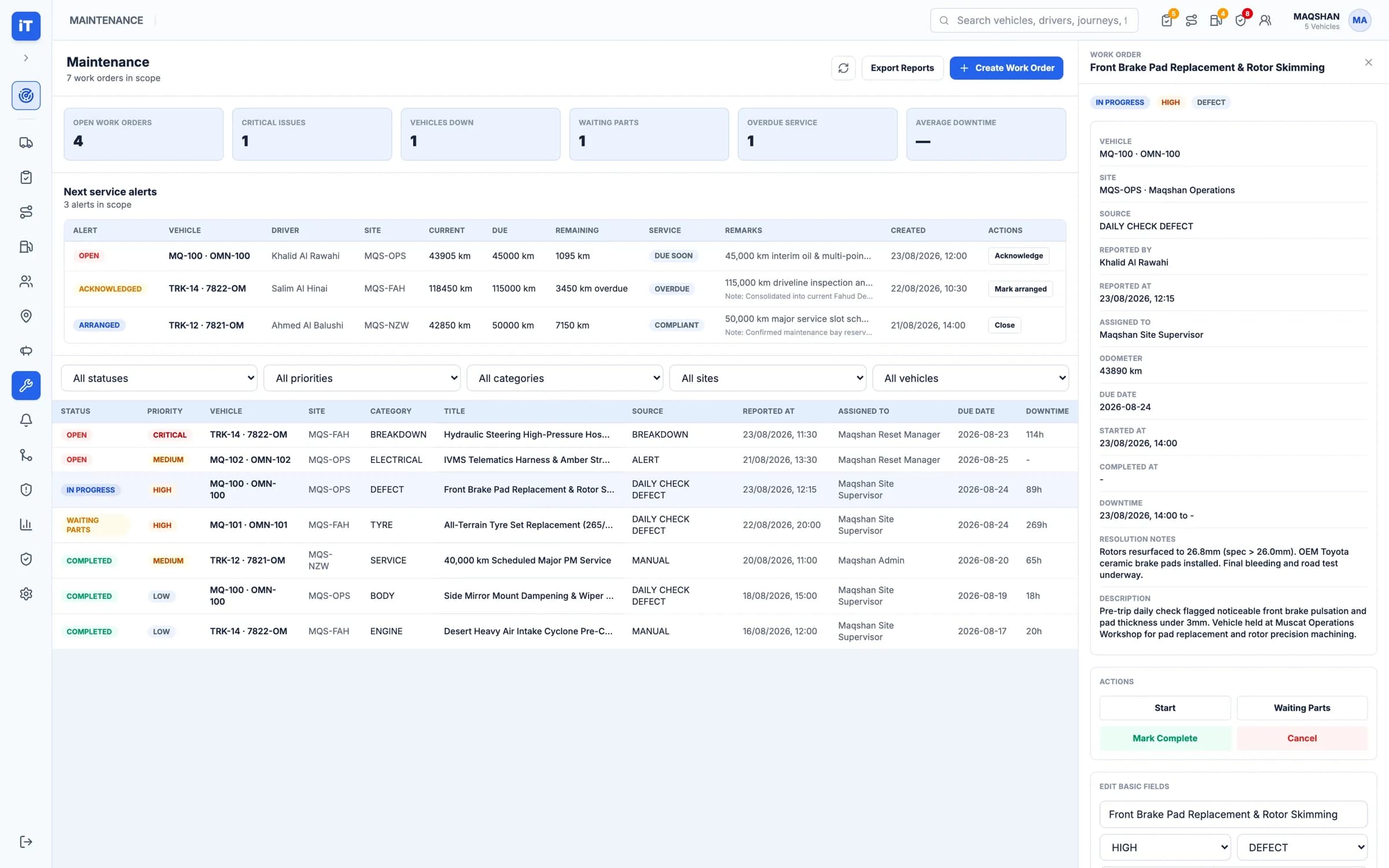
Field to control room
What the crew records, and where the operation reads it.
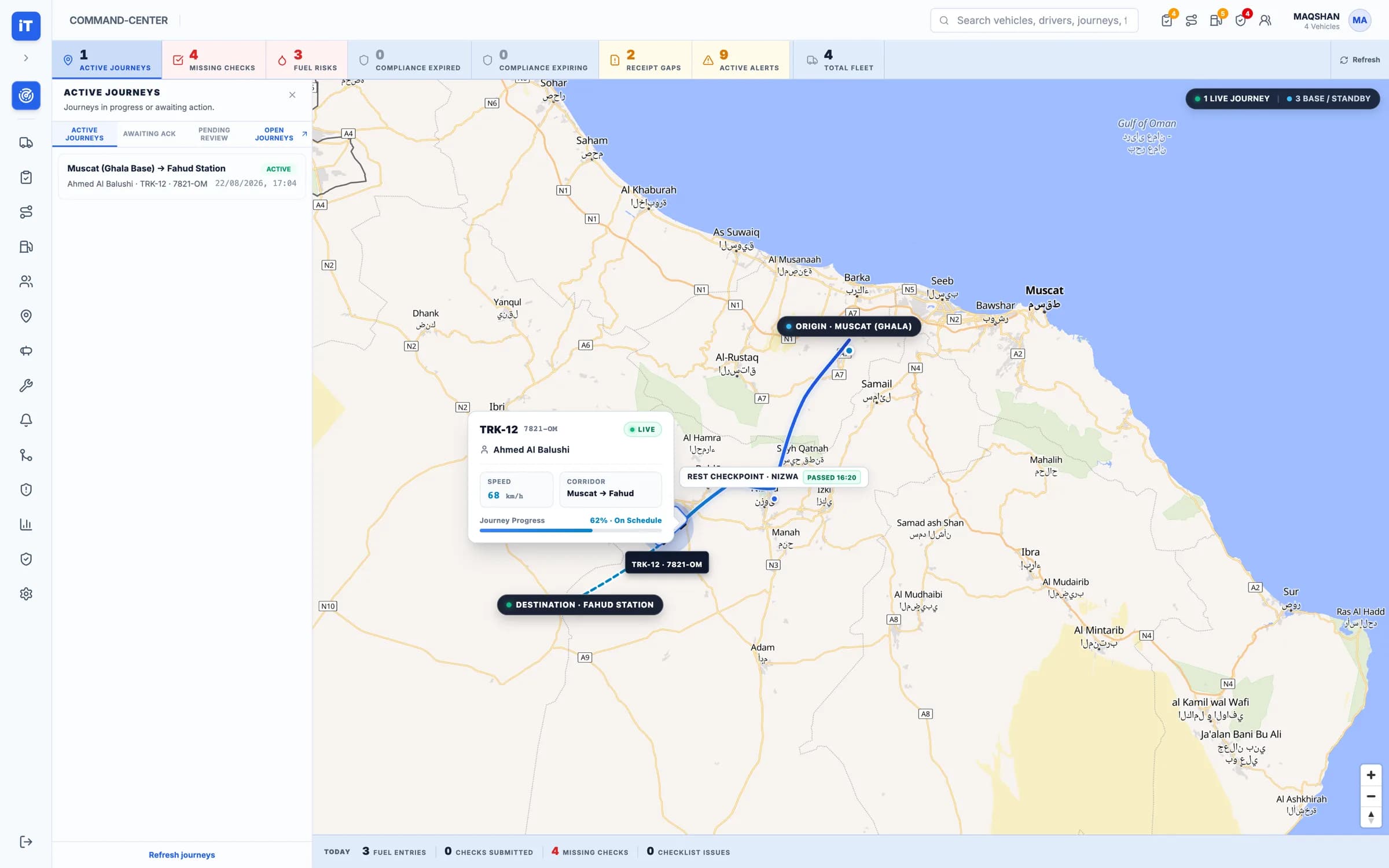
Command Center
Live operational context across fleet activity.
- Fleet roster, map and vehicle inspector in one view
- Active journeys, missing checks and alerts in scope
Live iTrack workspace, captured from the product.
Command Center. Live operational context across fleet activity.